Homebrew • Character Subclass
How to Homebrew a Subclass on D&D Beyond
Bring your custom magic, martial styles, and class fantasies to life.
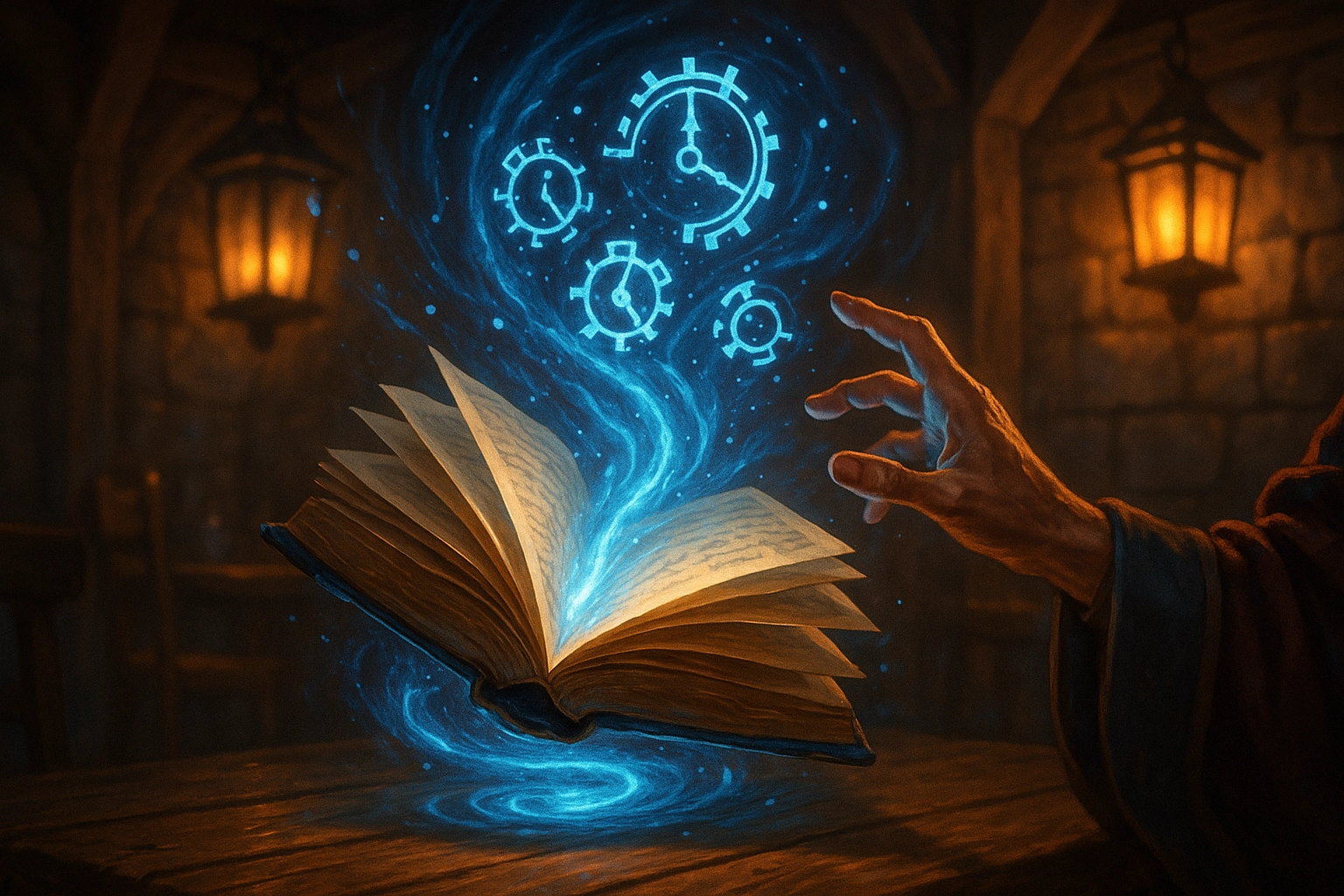
When you run long-term campaigns, you’ll eventually hit a moment where the official subclass list just doesn’t cover what you need. Maybe you’re porting a legacy option to the 2024 ruleset. Maybe you’re inventing something new. Either way, D&D Beyond’s Homebrew tools are more powerful than they look—once you know where to click.
D&D Beyond’s Homebrew tools are deceptively simple—until you wire them up the right way.
Tales & Tankards
In this guide, I rebuild Chronurgy Magic for the 2024 Wizard, step by step, using the exact process I followed in my Voxels & Valor campaign. This workflow works for any subclass you want to recreate or reimagine.
Why I Needed a Custom Subclass
When our VV party converted to the 2024 PHB, our Wizard suddenly lost access to the Chronurgy Arcane Tradition—it isn’t present in the 2024 class list. Rather than force a story detour, I rebuilt it as a 2024-compatible homebrew subclass so the character’s identity and abilities stayed intact.
Pro Tip: Decide early whether you’re converting an existing option (feature-for-feature) or designing a new one. Conversions are quicker; designs need playtest notes.
Step 1 — Start a New Homebrew Subclass
- Log into D&D Beyond.
- Open Collections → Homebrew Creations → Create Subclass.
- Choose your base class (I used Wizard) and pick a template (I used Abjurer).
- Click Create.
Fill Out the Basics
- Name: Chronurgy Magic 2024
- Short Description & Description: Use the Chronurgy flavor text
- Spellcasting Ability: Intelligence (Wizard)
- Can Cast Spells: Yes
Checklist: After saving the subclass shell, you’ll unlock the Class Features area. That’s where most of your work happens.
Step 2 — Add or Edit Class Features
Each level-based feature can be edited, replaced, or rebuilt. Below is the quick-hit map I used to replicate the Chronurgy features in 2024.
Short, precise actions beat wall-of-text instructions. One change per click.
Design Note
Level 3 Features
Chronal Shift (replaces Abjuration Savant)
- Update Name, Snippet, and Description.
- Remove template spells.
- Add an Action: Activation → Reaction; Limited Use → 2; Reset → Long Rest.
Common Gotcha: You must save the Action before you can add a Limited Use. If the field won’t appear, click Save, then edit again.
Temporal Awareness (replaces Arcane Ward)
- Update text fields.
- Remove template actions.
- Add a Modifier: Bonus → Initiative (INT).
Level 6 — Momentary Stasis
- Add an Action: Save Type CON; Activation Action; Range 60 ft.
- Limited Use: uses = INT modifier (min 1); Reset → Long Rest.
Level 10 — Arcane Abeyance
- Add an Action: Activation Action; Limited Use 1; Reset → Short Rest.
Level 14 — Convergent Future
- Add an Action: Activation Bonus Action; Limited Use 1; Reset → Long Rest.
Once you’ve done it once, homebrew subclass creation becomes fast, flexible, and fun.
Raise a tankard.
It’s a lot of clicking, but now you’ve got a repeatable workflow for conversions and original designs alike. Whether you’re preserving a character’s identity or building something brand-new for your table, D&D Beyond has the tools—you’ve got the taste.